
Commerce and retail

Dealer Management Software

Take dealer orders, invoices and payments out of phone calls and spreadsheets.

Dealer Management Software software product

Overview

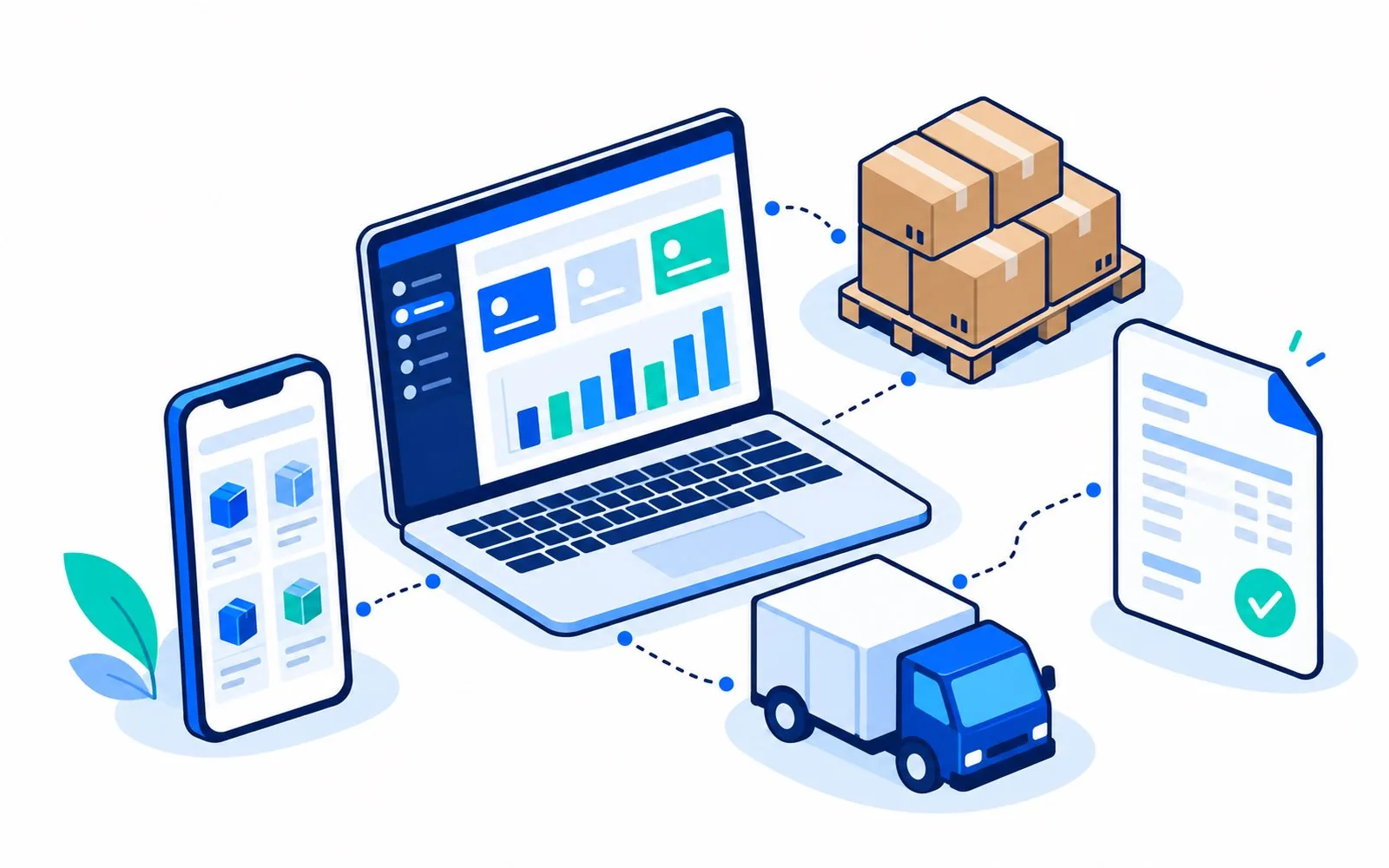
Dealer Management Software connects a company with its dealers and distributors. The company works from a desktop panel to manage products, dealers, orders, dispatch, invoices, payments and ledgers. Dealers order from a mobile website.

The same system can also serve retail customers as a separate party type, with retail pricing and no credit.

  • Dealer onboarding with approval
  • GST invoices with PDF
  • Live stock and dealer ledgers
  • Dealer mobile site

Features and modules

What Dealer Management includes.

Product catalogue

Categories, subcategories and products with images, rates and stock.

Dealer onboarding

Dealers register with OTP and documents, and the company approves them before they can order.

Orders and dispatch

Dealer orders move through approval to dispatch, with tracking visible to the dealer.

GST invoicing

Create invoices from an order or directly, or attach an invoice made elsewhere. CGST and SGST or IGST are applied by state, and invoice PDFs are generated.

Inventory

Stock in, stock adjustments and a stock ledger. Stock is deducted when an invoice is issued.

Payments and ledger

Record, verify and reverse payments, with a party ledger and outstanding balance by dealer.

Schemes, banners and announcements

Publish offers and notices to dealers.

Support and reports

A support desk for dealers and management reports.

Panels, roles and apps

Who uses it, and where.

Company panel (desktop)

Used by company staff with user accounts and roles.

Dealer mobile website

Catalogue, cart, checkout, orders, tracking, invoices, ledger and payments for dealers, distributors and customers.

Dealer Management Software panels and apps

How it works

A typical flow.

  1. A dealer registers and the company approves the account

  2. The dealer browses the catalogue and places an order

  3. The company dispatches the order and issues a GST invoice

  4. The dealer sees the invoice and pays, and the company verifies the payment

  5. The ledger and outstanding balance update automatically

Branding, integrations and deployment

We present the product under your own name. The scope of branding and customisation is agreed with you before work starts.

Branding and customisation

Your name, logo, colours and wording can be applied. Contact us to discuss what you need and what it involves for this product.

Deployment and integrations

  • Hosting and set-up are agreed per project.

Integrations

  • Razorpay payment confirmation
  • PDF invoice generation

FAQs

Questions about Dealer Management

Is there a field sales app?

A field-sales app is not part of the base product. It can be built as custom work, so contact us to discuss it.

Does it include a native mobile app?

Yes. Dealers can order from the mobile website, and native Android and iOS apps, including a sales staff app, are available for this product. We confirm which apps are included in your demo.

Can it carry our branding?

Yes. We apply your name, logo and colours. The exact scope depends on your requirements, so contact us to discuss it.

Talk to us about Dealer Management

Request a demo and we will confirm what this product covers and what a branded version would involve.