Healthcare and services

Hospital Appointment Software

Give patients a simple way to book, and your hospital a clear view of every day.

Hospital Appointment Software software product

Overview

Hospital Appointment Software gives a hospital or clinic an admin panel, a doctor portal and a patient mobile website. Patients choose a doctor and a time slot, pay online or at the hospital, and receive their appointment details. Staff and doctors manage the day from their own panels.

  • Schedules, leaves and live slots
  • Doctor consultation portal
  • Online payment and wallet
  • Family profiles and reminders

Features and modules

What Hospital Appointment includes.

Doctors, departments and schedules

Weekly schedule windows per consultation mode, with leaves, so only genuinely free slots can be booked.

Appointment booking

Slot selection with a booking window, token numbers, check-in, consultation, completion, cancellation, reschedule and no-show handling.

Family profiles

One patient login can hold several family member profiles.

Online payment and wallet

Pay the consultation fee online, from a wallet balance, or at the hospital, with cancellation rules and refunds to the wallet.

Video consult link

A private video room link is created at booking for video consultations.

Prescriptions and refills

Doctors issue prescriptions, and patients can request refills and set medicine reminders.

Tests, labs and reports

Test orders and patient report uploads that can be linked to open lab orders.

Reviews, coupons, banners and announcements

Patient reviews of doctors, discount coupons and notices shown in the patient site.

Excel export

Admin tables can be exported to Excel with filters applied.

Languages and dark mode

English and Hindi interface strings, and a dark theme.

Panels, roles and apps

Who uses it, and where.

Hospital admin panel (desktop)

Appointments, doctors, departments, schedules, patients, payments, prescriptions, reports and settings.

Doctor portal (desktop)

Today's list, appointments, consultation with a prescription editor, patients, schedule and reviews.

Patient mobile website

Booking, payments, records, reports, medicines, notifications, emergency and directions.

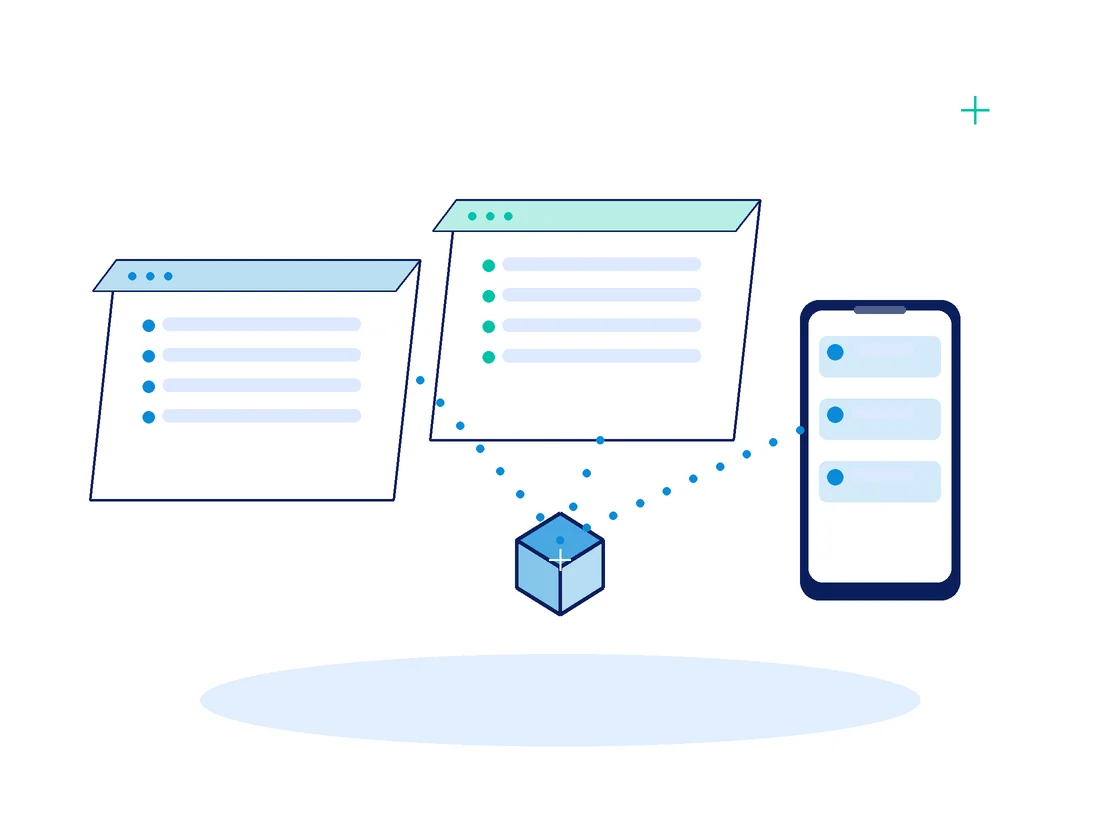
Hospital Appointment Software panels and apps

How it works

A typical flow.

  1. The patient picks a doctor and an available slot, optionally attaching reports

  2. The patient pays online, from the wallet, or chooses to pay at the hospital

  3. Reception checks the patient in when they arrive

  4. The doctor consults and issues a prescription

  5. The patient sees the prescription, reports and receipts in their account

Branding, integrations and deployment

We present the product under your own name. The scope of branding and customisation is agreed with you before work starts.

Branding and customisation

Your name, logo, colours and wording can be applied. Contact us to discuss what you need and what it involves for this product.

Deployment and integrations

  • Hosting and set-up are agreed per project.
  • A Razorpay account for online payments

Integrations

  • Razorpay online payments
  • Video consultation links
  • A configurable partner pharmacy link

FAQs

Questions about Hospital Appointment

Is there a patient mobile app?

Yes. Besides the patient mobile website, native Android and iOS patient apps are available for this product. We confirm which apps are included in your demo.

Can doctors have their own login?

Yes. A doctor logs in to a separate doctor portal that is linked to their doctor profile.

Does it send SMS or WhatsApp messages?

SMS OTP and WhatsApp messaging can be added through our SMS OTP and WhatsApp Integration services.

Talk to us about Hospital Appointment

Request a demo and we will confirm what this product covers and what a branded version would involve.